vidya school

Vidya Valley

Teachers/Staff Teaching Application Download
Application Download
How to Install Application APK on Android Phone

1. First Uninstall Old Application from Mobile Phone.

2. Download Your School Application (APK) File from Above Link

3. Follow this steps

1. Launch your device’s Settings

2. Tap on the security (& privacy)
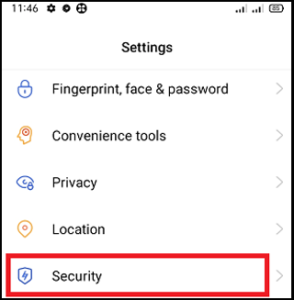
2 1

3. Under the APP INSTALLATION section, click on Unknown source installations.
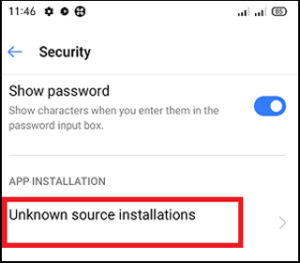
1 1

4. Enable the toggle button that allows app installs.
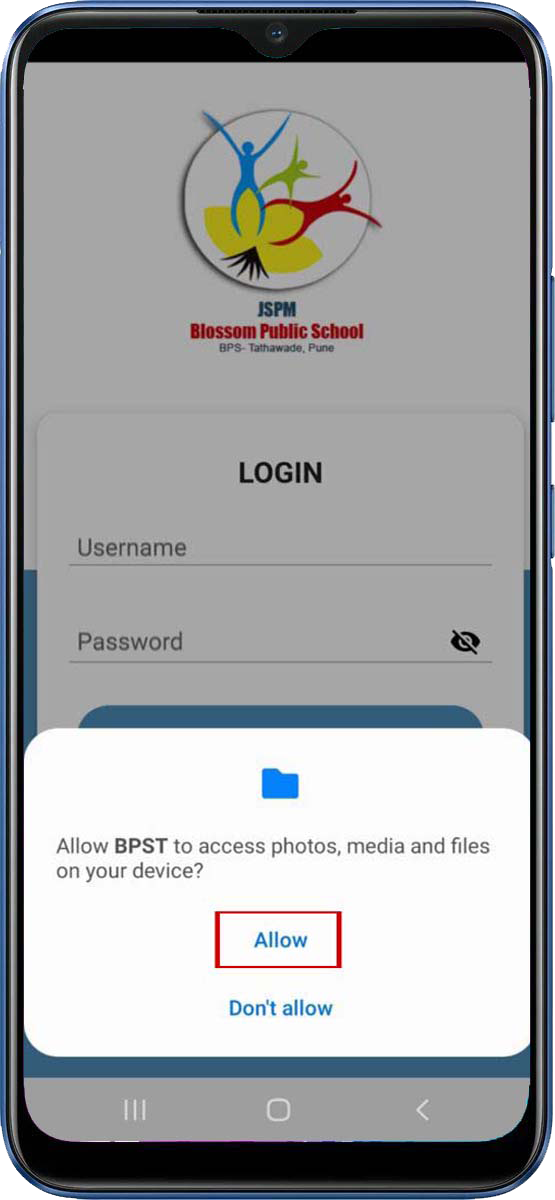
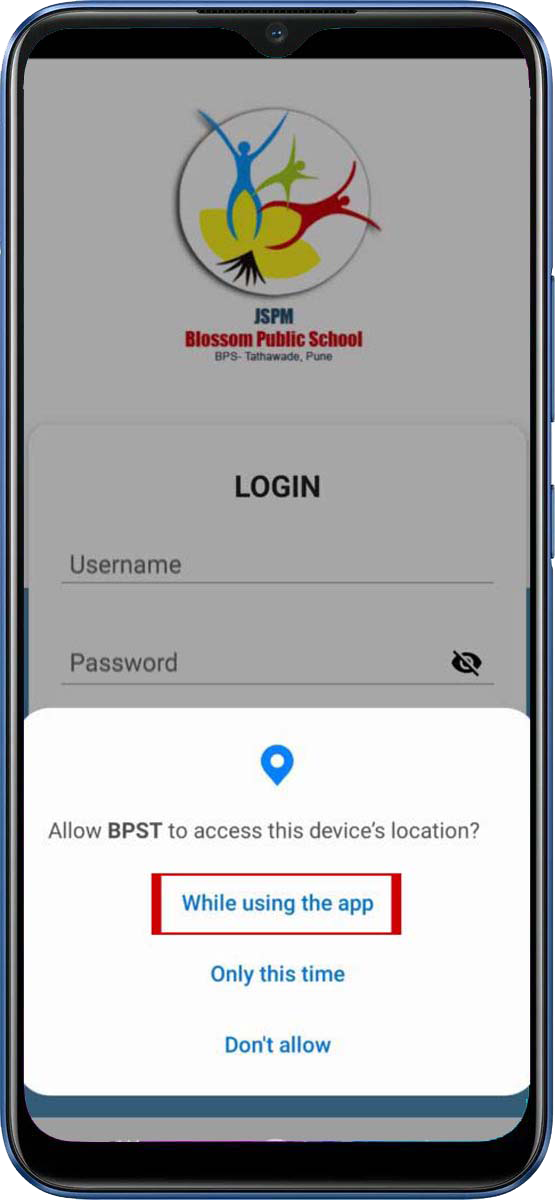
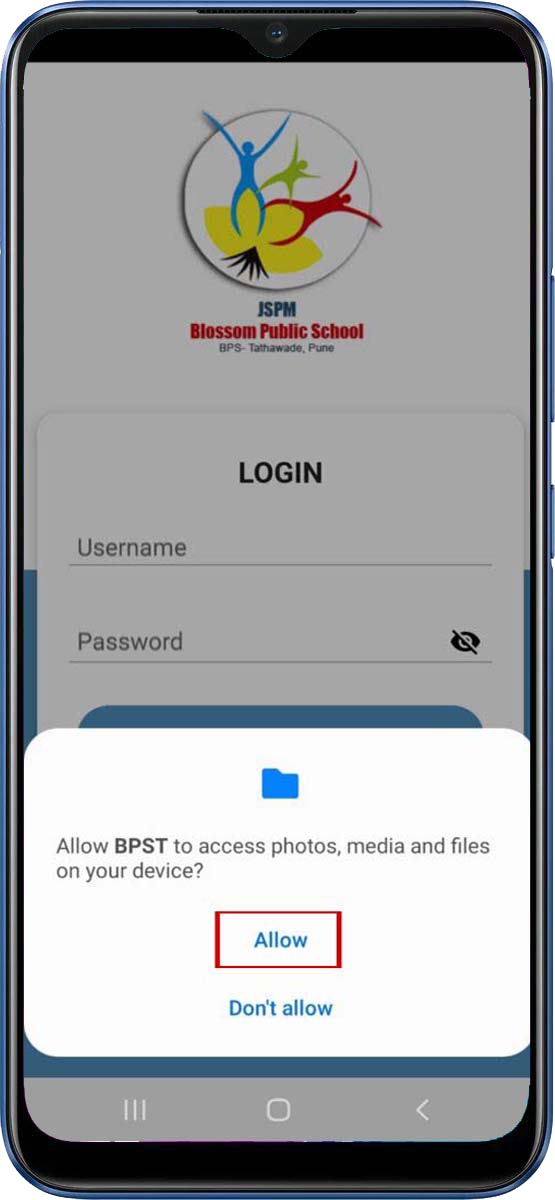
Allow this following Permission
How to use Application
( Class-teacher / Subject Teacher )
Dashboard and Student Module
Homework Module
Attendance Module
Time Table Module
Message Module
Notice Module
Feedback Module
Activities Module
Accordion Contenta
Staff Module
Staff TimeTable Module

Staff Notice Module

Syllabus Module

Elearning Module

Live Classroom Module

School Principal / School President Application features